Dream Blur - Case Study
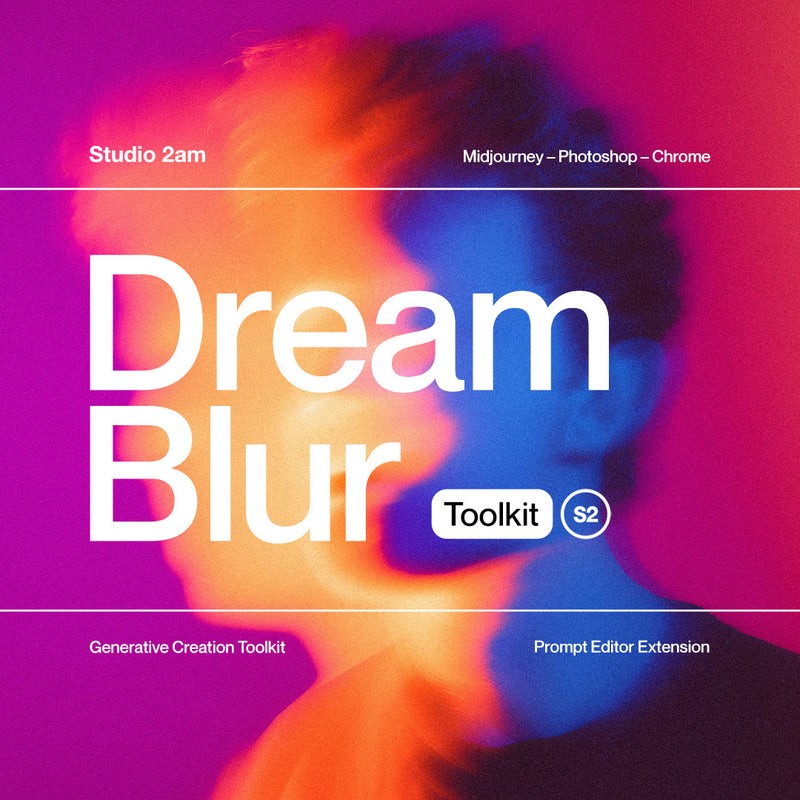
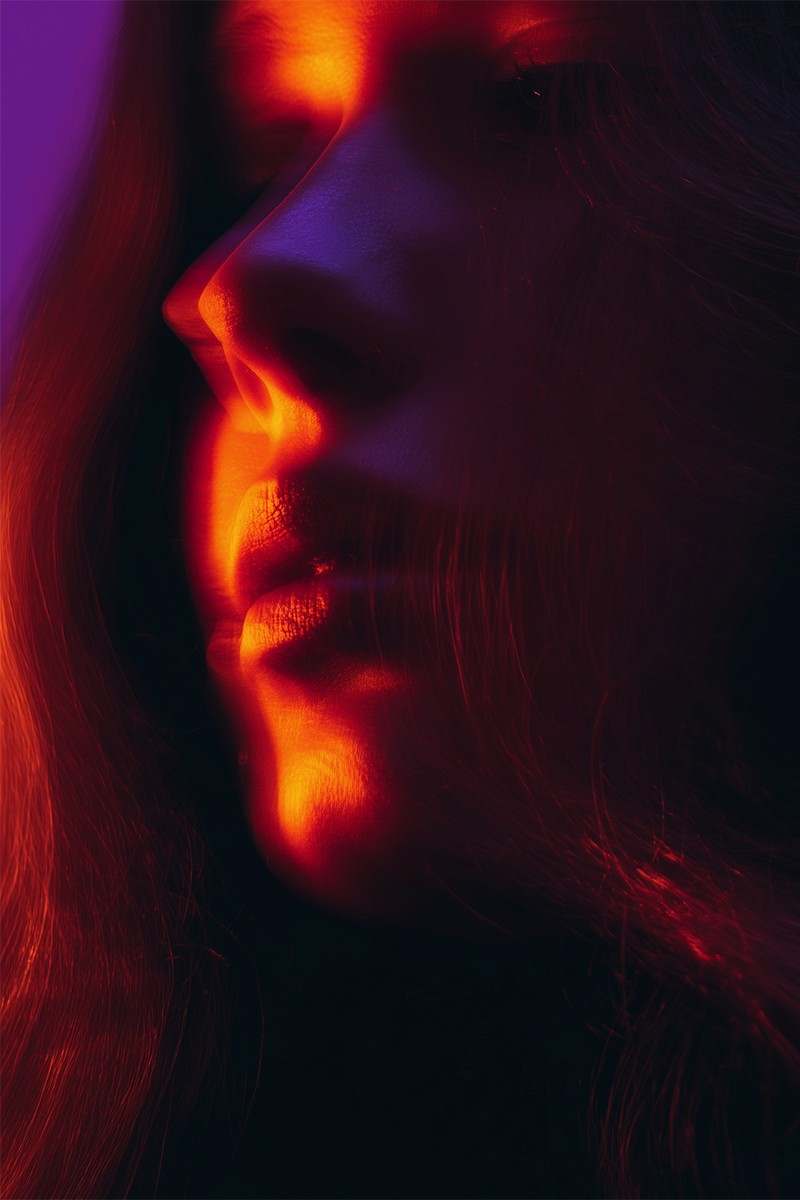
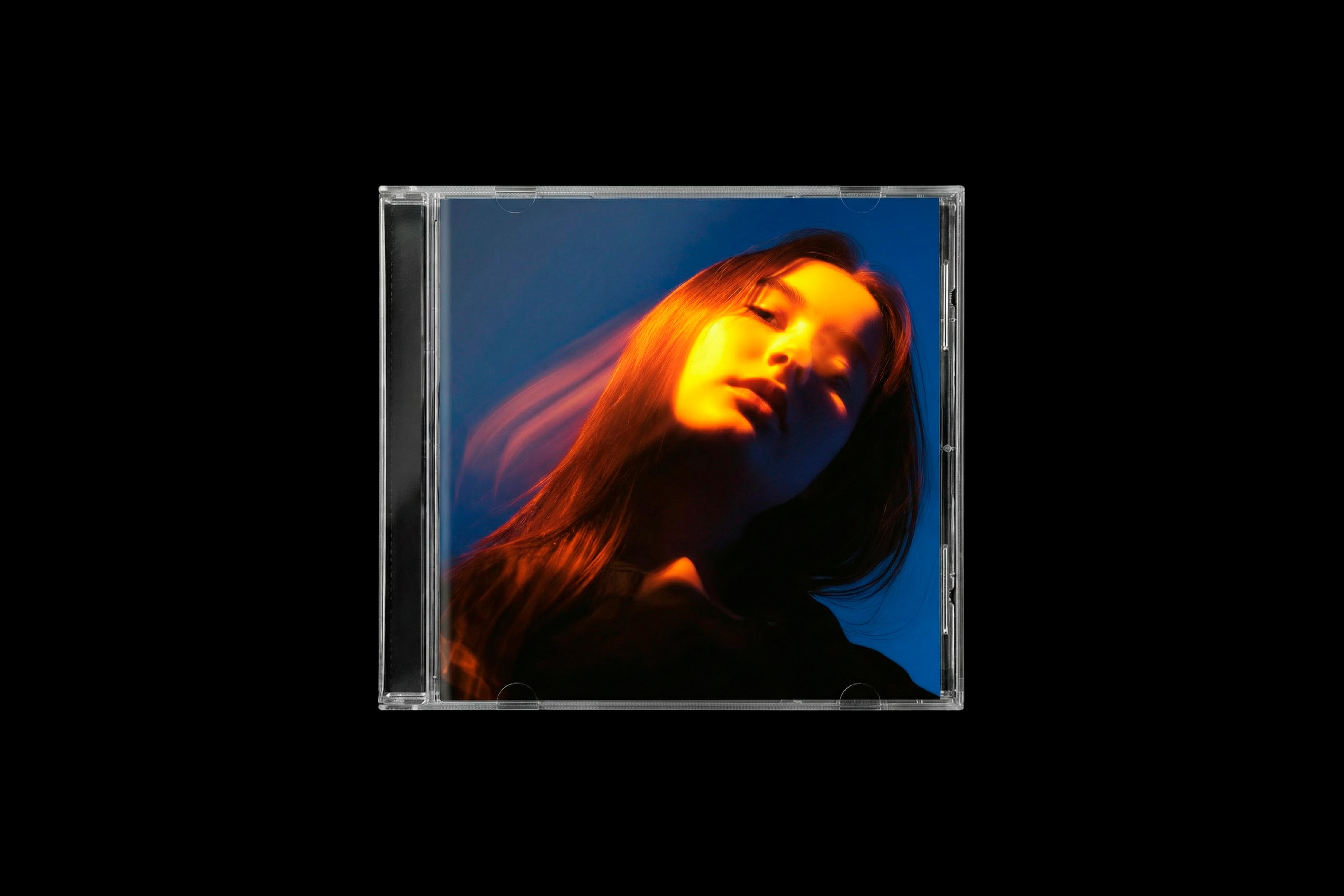
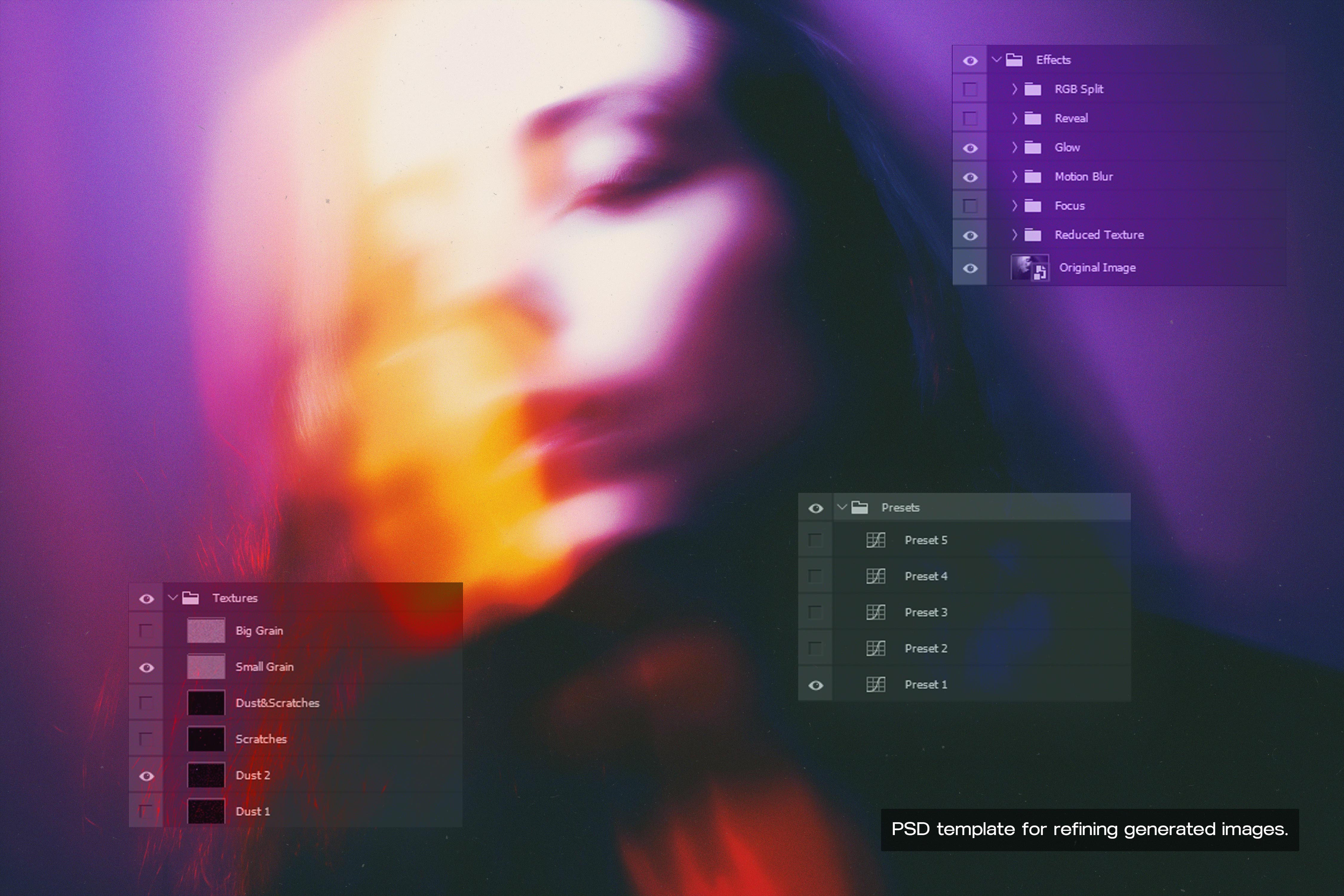
Dream Blur is a system for creating abstract portraits with long-exposure movement, color splits, halation, and luminous bloom. It combines structured Midjourney prompts, a custom Chrome/Opera extension, and a Photoshop template. Together, they cover both source-image generation and final editing.
Services
Product Development
Client
Studio 2AM
Date
2026
Context
A common problem with graphic design assets is the gap between the product preview and the actual result.
An effect can look great when it is built around carefully selected images, but behave very differently on a user’s own content. The preview shows an ideal case. The effect itself has little control over the source image.
Problem
I wanted Dream Blur to produce results that stayed close to the visual language of the previews, even if the user did not start with the right image.
That meant controlling more than the Photoshop effect. The source image had to be part of the workflow.
Approach
Treat image generation and Photoshop editing as one product.
Users needed a structured way to generate images that suit the look, control their variations, and then take those images through a dedicated Photoshop finish.

What I Built
I built Dream Blur as a connected generation and editing workflow:
Two structured Midjourney prompt templates set the base visual direction.
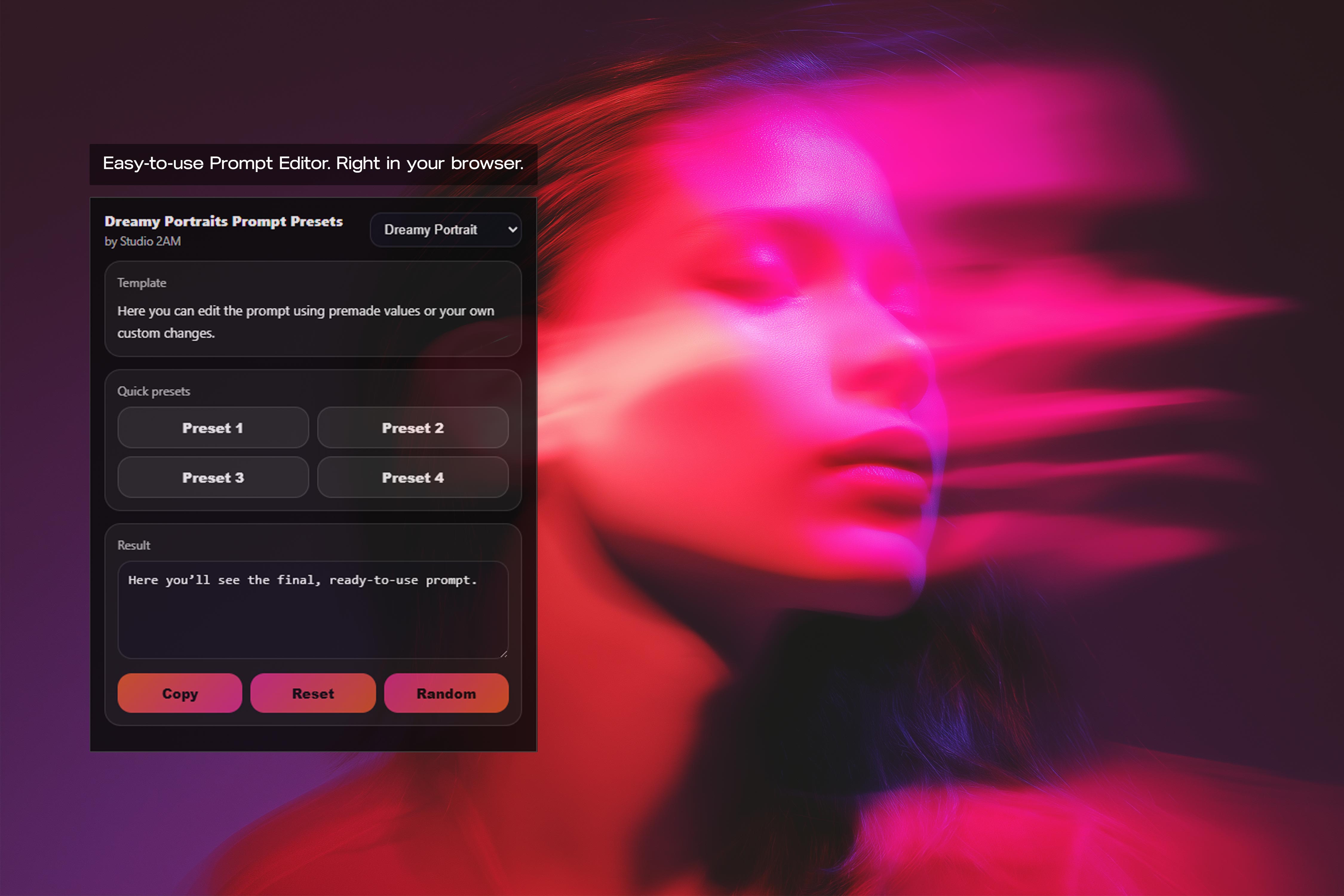
A custom Chrome/Opera extension speeds up prompt parameter switching when generating in Midjourney’s browser interface.
Presets provide ready-made combinations, while a random option makes it easy to explore variations.
A dedicated PSD template handles the Photoshop stage and applies the final visual treatment.
Outcome
The user controls both sides of the result: the image being generated and the treatment applied afterward. The workflow helps generate source material suited to the effect, then finish it in Photoshop. Dream Blur has also performed well after release, ranking high in Studio 2AM’s catalog by sales.




Reach me at thewaytoxibalba@gmail.com